What the seal guarantees
The seal of a sealed X-DOC is a SHA-256 hash: a 256-bit fingerprint of the content, computed on your own device at the moment of registration. It is the same cryptographic function that underpins Bitcoin. Change one comma and the whole hash changes — and that is what makes the guarantee verifiable by anyone, without depending on us.
The recipient recomputes the hash and compares. A match: it is exactly the text that was sealed. No match: someone altered it afterwards.
The time travels in UTC, under the hash. It serves to prove the content already existed before some later event.
The link carries whoever sealed it, and that is never rewritten — not even when the document passes from hand to hand.
Each version's seal includes the previous one. That is why versions form a chain, and the order between them is provable.
And what the seal does not guarantee: intent. A sealed, unsigned document is dated text with authorship — which is already a great deal, and is not an agreement. Consent is another operation, with another seal: the X-DOC for signature, where both parties sign the same hash. A seal proves what and when; a signature proves who agreed.
What the recipient can and cannot do
This is the promise the operation is named after: whoever receives a sealed X-DOC gets no pen. And this is not a restriction hidden in the interface — it is the writing gate itself that refuses, so neither a stale tab nor some alternative route can record a revision on top of it.
- Read the whole content, on the same sheet it was written on.
- Verify the seal on their own device, offline and without asking us.
- Export the PDF, which carries the seal band printed on the page.
- Keep it in the Sealed X-DOCs box, to find it later.
- Pass it on exactly as it arrived — the copy travels with the original seal.
- Edit the content. There is no route: no button, no screen, no gate.
- Record a version of their own on top. The chain stays with whoever drew it up.
- Be asked for a signature. The gate that promises "nothing is asked" does not come back for metal.
- Re-seal before passing it on. What arrived goes onward as it arrived.
The seal cuts both ways. Whoever sent a sealed X-DOC cannot change that content either: the seal is not a permission the author grants and revokes, it is a property of the document. If they want to correct something, they register the next version — and the earlier one, the one in your hands, keeps verifying for as long as it exists.
How to send one
Every X-DOC is born sealed. So sending one to be read requires no special preparation: it requires choosing the right gate in the conversation, and choosing which version goes.
Register the document. Write it and seal it. Whatever is registered is already sealed — there is no "seal it later" step.
In the conversation, tap the + and choose Sealed X-DOC. The gate states the request: reading only.
Choose the version. If the document has more than one, the chain appears for you to point at which one goes in the memo — each link is a complete document, with its own seal.
Confirm the link that goes. The sheet opens for you to check the content and the seal before attaching — the last chance to see you are sending the right version.
Send the memo. The document travels alongside the message, inside that connection's conversation — and the card in the bubble already shows the seal and the padlock.
When to use it
The question that decides the gate is simple: what do I expect from the other person? If the answer is "that they read it, know it, and can prove it later" — it is sealed.
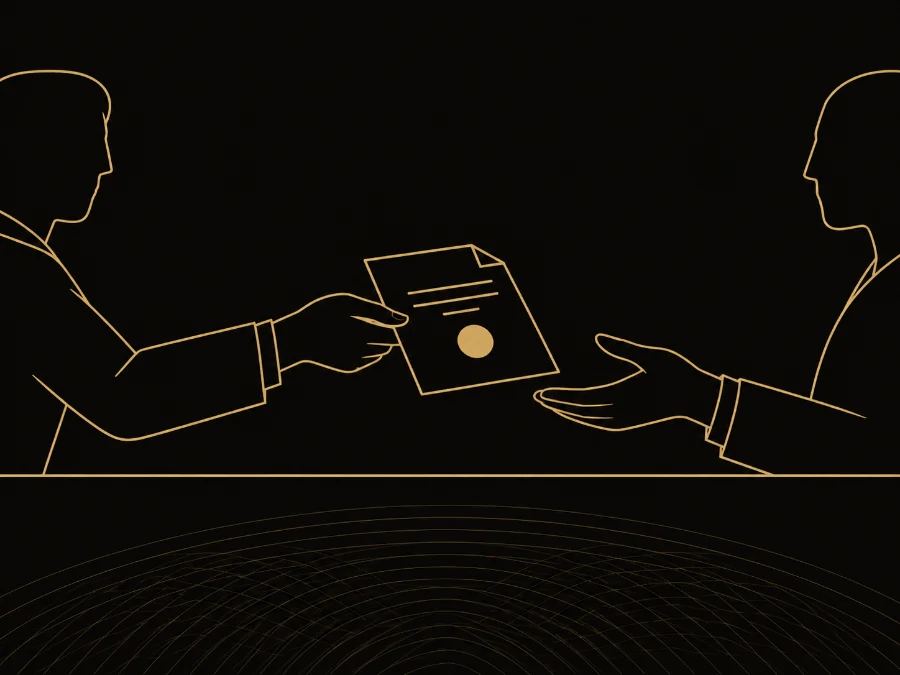




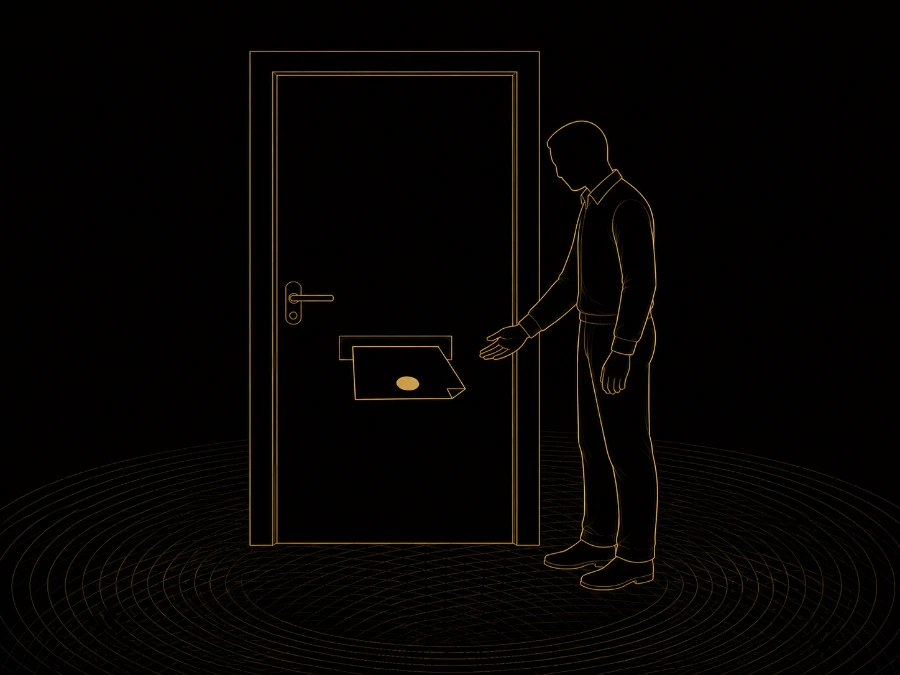
If you expect the person to write, the gate is the Open X-DOC: they receive a seed and open a chain of their own, in parallel to yours. If you expect their consent, the gate is the X-DOC for signature. Three expectations, three gates — and it is always the expectation that decides, never the type of paper.
Where a sealed X-DOC lands when it arrives
Every sealed X-DOC that arrives for you goes to the Sealed X-DOCs box, in the wallet's main list, next to your conversations.
The sealed X-DOCs box opens straight onto the sheet. The other operations have an intermediate screen — the chain — because there is a choice to make: which version to read, or where to start your own. Here there is no fork: the request is to read, so the sheet is the destination.
A document that has arrived and is not yet settled shows a blinking red dot. It does not count how many: it says something is still owed. And it goes out by three routes — reading, skipping, or recording that you will not read it.
The light follows the registry, not your tap. You can read and decide offline as much as you like, but the discharge only enters the registry once the connection is back: until then the card reads "read · receipt on its way" and the light stays on. It is not asking twice — it is the difference between "I did my part" and "this is settled". When the network returns, the device dispatches on its own.
The document stays on your device, and the card shows who it came from, with the connection's name and picture. Removing it from your vault takes your copy off this device and nothing more: the sender still holds theirs, and the seal keeps verifying — nobody undoes a record in someone else's wallet.